
 By Winztro
Finding the right gaming keyboard can make or break your gaming experience. This guide is for gamers who want to upgrade from their basic keyboard or replace their current setup with something that truly fits their needs.
Choosing a gaming keyboard isn’t just about flashy RGB lights – it’s about finding the perfect match for how you play. Different games demand different features, and your personal preferences matter just as much as the technical specs.
We’ll walk through the key switch types and help you figure out which one feels right under your fingers. You’ll also learn about the gaming-specific features that actually improve your performance, plus what to look for in build quality so your investment lasts for years of intense gaming sessions.
Understand Your Gaming Style and Requirements
Identify your primary game genres and their keyboard demands
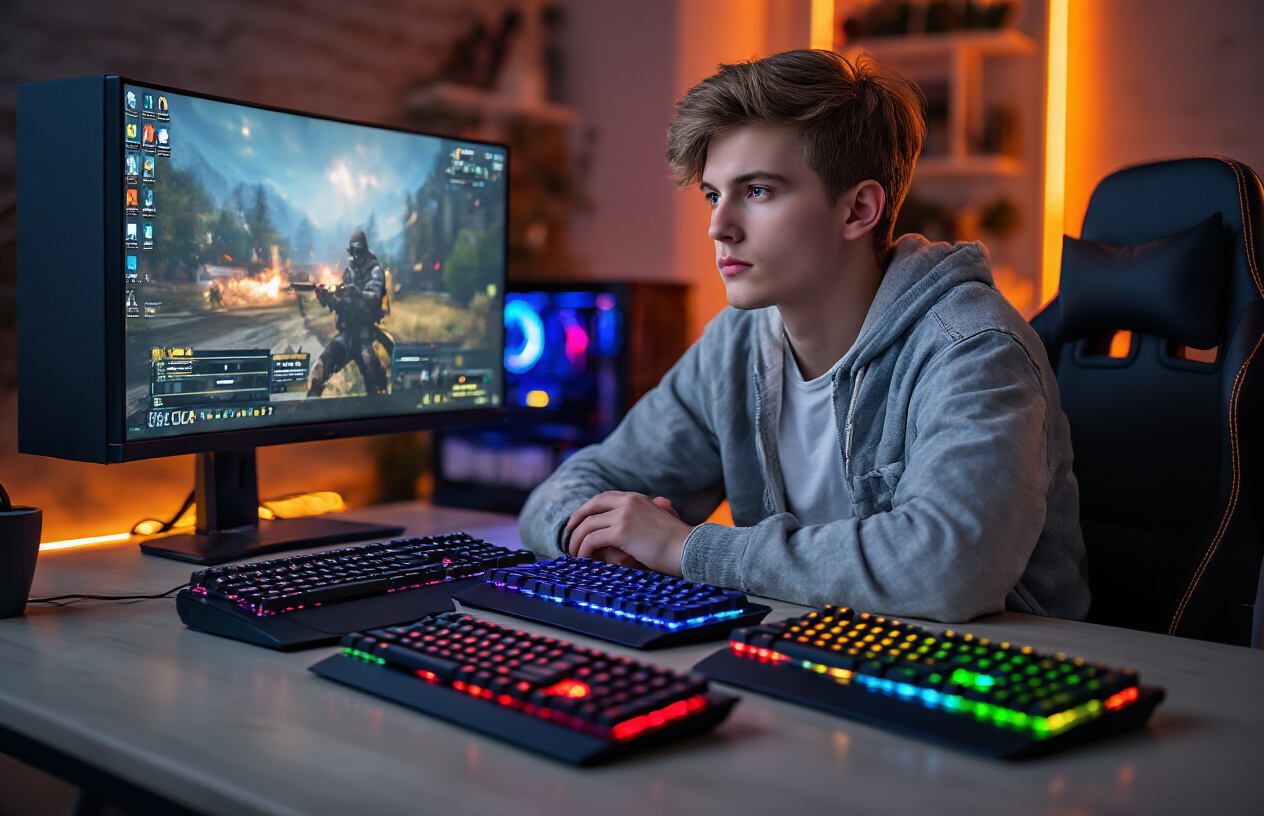
Different games demand different keyboard characteristics, and understanding your gaming preferences helps narrow down the perfect choice. First-person shooters like CS:GO or Valorant require rapid key presses and precise timing, making keyboards with linear switches ideal for quick double-taps and instant response. Strategy games such as StarCraft II or Age of Empires benefit from tactile feedback switches that confirm each command without accidental presses during complex macro sequences.
MMORPGs like World of Warcraft or Final Fantasy XIV need keyboards with excellent key rollover capabilities since you’ll often press multiple keys simultaneously for spell combinations. Racing games work best with keyboards that offer smooth, consistent actuation for gradual steering inputs. Fighting game enthusiasts should prioritize keyboards with minimal input lag and switches that can handle rapid button mashing without registering false inputs.
Assess your typing habits and daily usage patterns
Your daily computer usage significantly impacts keyboard selection beyond gaming considerations. If you spend hours typing for work or school, comfort becomes paramount. Look for keyboards with ergonomic layouts, adjustable height, and switches that won’t cause finger fatigue during extended typing sessions.
Consider how you rest your hands while gaming. Palm rests can reduce strain during long gaming sessions, but they also increase the keyboard’s footprint. Your typing style matters too – heavy-handed typists might prefer switches with higher actuation force, while light typists benefit from sensitive switches that register keystrokes with minimal pressure.
Think about noise levels as well. Open office environments or late-night gaming sessions require quieter keyboards, while private gaming setups can accommodate louder, more satisfying mechanical switches.
Determine your budget range and value priorities
Gaming keyboard prices range from budget-friendly $30 options to premium $300+ models, and knowing how to choose gaming keyboard within your budget prevents overspending on unnecessary features. Entry-level mechanical keyboards ($50-80) offer solid gaming performance with basic backlighting and standard switches. Mid-range options ($80-150) typically include premium switches, RGB lighting, and dedicated media controls.
High-end keyboards ($150+) feature advanced customization software, premium materials like aluminum frames, hot-swappable switches, and extensive macro programming. Determine which features matter most to you – some gamers prioritize switch quality over RGB lighting, while others want comprehensive customization options.
Consider the long-term value equation. A slightly more expensive keyboard with better build quality often outlasts cheaper alternatives, making it more economical over time.
Consider your desk space and setup constraints
Physical workspace limitations significantly influence keyboard selection. Full-size keyboards with numeric keypads require substantial desk real estate but offer complete functionality. Tenkeyless (TKL) keyboards eliminate the numpad, freeing up mouse space for low-sensitivity gaming while maintaining arrow keys and function keys.
Compact 60% keyboards maximize desk space but sacrifice dedicated arrow keys and function keys, requiring key combinations for certain functions. Measure your available desk space before purchasing, accounting for mouse movement area and other peripherals.
Cable management also matters. Wireless keyboards eliminate cable clutter but require battery management and may introduce minimal input lag. Detachable cables offer the best of both worlds – reliable wired performance with easy storage and replacement options.
Consider your monitor setup too. Ultra-wide monitors or multiple displays might benefit from smaller keyboards that don’t interfere with your viewing angles or arm positioning during extended gaming sessions.
Master the Different Switch Types for Optimal Performance
Compare mechanical vs membrane vs hybrid switch technologies
Mechanical switches are the gold standard for gaming keyboards. They feature individual switches underneath each key, with physical mechanisms that actuate when pressed. This design delivers superior tactile feedback, faster response times, and remarkable durability – often lasting 50-100 million keystrokes. Gaming enthusiasts prefer mechanical switches because they offer precise control and consistent performance across millions of gaming sessions.
Membrane keyboards use a different approach entirely. They rely on a rubber dome or membrane layer that completes an electrical circuit when pressed. While significantly cheaper to manufacture, membrane switches provide mushy feedback and slower response times. They’re adequate for casual gaming but fall short when precision and speed matter most.
Hybrid switches attempt to bridge the gap between mechanical and membrane technologies. These switches combine elements of both designs, often featuring mechanical-style keycaps with modified membrane mechanisms underneath. Some hybrids use optical sensors or magnetic Hall effect technology to register keypresses without physical contact points.
| Switch Type | Response Time | Durability | Cost | Gaming Performance |
|---|---|---|---|---|
| Mechanical | 1-2ms | 50-100M clicks | High | Excellent |
| Membrane | 5-10ms | 5-10M clicks | Low | Basic |
| Hybrid | 2-5ms | 20-50M clicks | Medium | Good |
Choose between linear, tactile, and clicky switch characteristics
Understanding switch characteristics is crucial when learning how to choose gaming keyboard switches that match your playstyle.
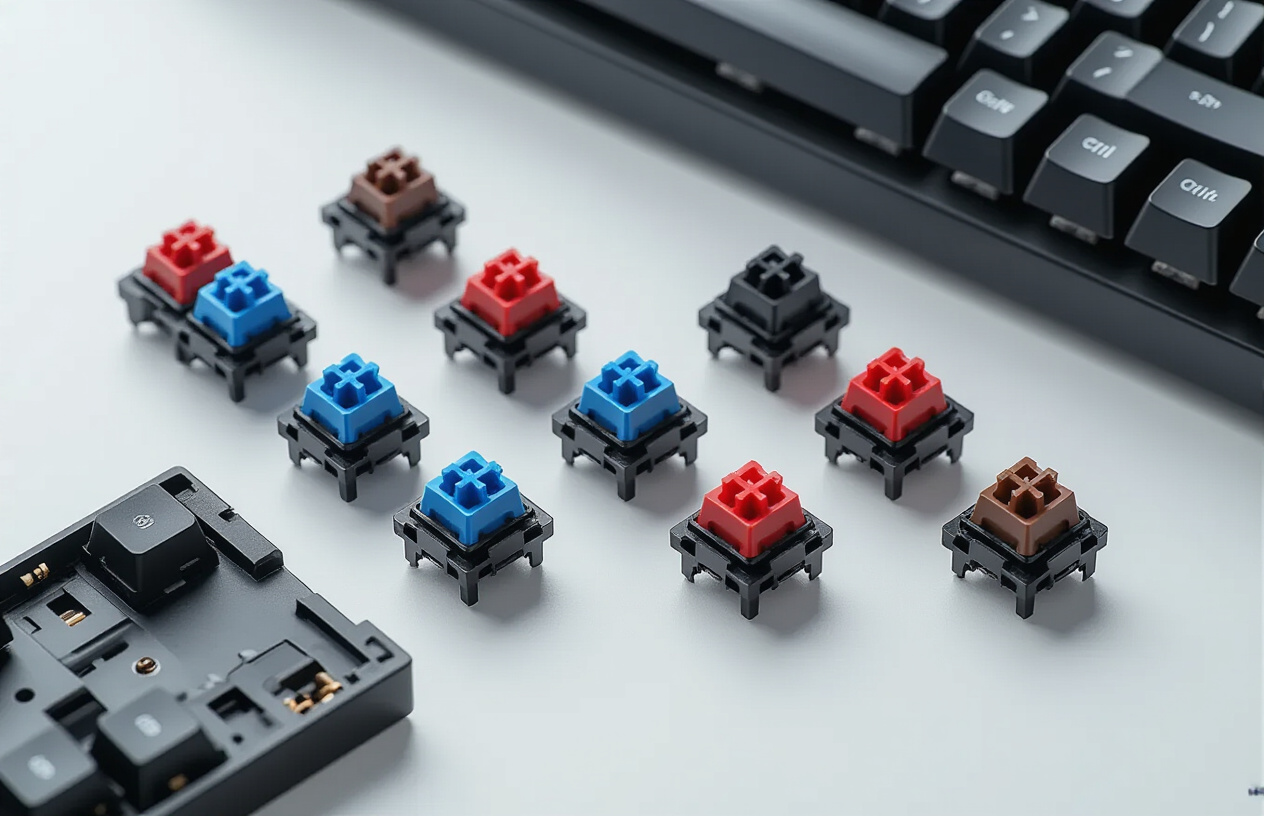
Linear switches provide smooth, consistent keystrokes from top to bottom without any tactile bump or audible click. Popular among FPS gamers, these switches allow for rapid-fire inputs and smooth double-tapping. The consistent force curve makes them ideal for games requiring quick reactions and minimal finger fatigue during extended gaming sessions.
Tactile switches feature a noticeable bump partway through the keystroke, providing physical feedback when the switch actuates. This bump helps gamers know exactly when their input registers without fully pressing the key to the bottom. Many MMO and strategy game players prefer tactile switches because they can feel each keypress distinctly, reducing accidental inputs during complex key combinations.
Clicky switches combine the tactile bump with an audible click sound. While satisfying to type on, they’re often too loud for gaming environments, especially during voice chat or streaming. The additional noise can also be distracting during intense gaming moments when audio cues are critical.
Understand actuation force and travel distance impacts
Actuation force measures how much pressure you need to apply before the switch registers a keypress. Most gaming switches range from 45g to 80g of actuation force. Lighter switches (45-50g) allow for faster inputs but may lead to accidental keypresses. Heavier switches (60-80g) require more deliberate presses but reduce fatigue during long gaming sessions.
Travel distance refers to how far you must press a key before it actuates. Standard mechanical switches typically actuate at 2mm with a total travel distance of 4mm. Some gaming-focused switches feature shorter actuation points (1.2-1.5mm) for faster response times, while others offer adjustable actuation points through software.
The sweet spot for most gamers lies between 50-60g actuation force with 1.5-2mm actuation distance. This combination provides responsive inputs without sacrificing control or causing finger strain.
Test popular switch brands like Cherry MX, Razer, and Logitech
Cherry MX switches remain the benchmark for mechanical keyboard switches. Their Red switches offer linear action with 45g actuation force, perfect for gaming. Cherry MX Brown provides tactile feedback without clicking, while Cherry MX Blue delivers both tactile and audible feedback. Cherry’s reputation for consistency and longevity makes them a safe choice for serious gamers.
Razer switches focus specifically on gaming performance. Their Green switches mimic Cherry MX Blue characteristics but with optimized gaming features. Razer Yellow switches provide ultra-fast linear action with shorter travel distances, making them excellent for competitive gaming. Razer Orange switches offer tactile feedback similar to Cherry MX Brown but with reduced noise levels.
Logitech Romer-G switches feature shorter actuation distances and focused backlighting. These switches actuate at 1.5mm compared to the standard 2mm, potentially giving competitive gamers a slight edge. Logitech’s GX switches, found in their newer keyboards, closely match Cherry MX characteristics while offering their own unique feel and performance optimizations.
Testing different switch types in person remains the best way to determine your preference. Many electronics stores have display models available, or you can purchase switch testers with multiple switch types to compare at home.
Essential Gaming Features That Enhance Your Experience
Evaluate anti-ghosting and N-key rollover capabilities
When you’re in the heat of intense gaming moments, the last thing you want is your keyboard failing to register key presses. Anti-ghosting technology prevents your keyboard from missing inputs when you press multiple keys simultaneously. This becomes crucial during complex gaming scenarios where you might need to execute multiple commands at once – think sprinting while jumping and shooting in an FPS game.
N-key rollover takes this concept even further. True N-key rollover means your keyboard can register every single key press, no matter how many keys you hit at the same time. Most gaming keyboards offer at least 6-key rollover, which handles the majority of gaming situations perfectly. However, if you’re a competitive player who relies on intricate key combinations, full N-key rollover provides the ultimate assurance.
Key features to look for:
-
Minimum 6-key rollover for casual gaming
-
Full N-key rollover for competitive play
-
Anti-ghosting on commonly used gaming keys (WASD, space, shift, ctrl)
Select programmable macro keys for competitive advantage
Macro keys transform complex command sequences into single button presses. These programmable keys give you a significant edge in games that require repetitive actions or complex combinations. MMO players especially benefit from macros, as they can bind entire spell rotations or crafting sequences to dedicated keys.
Modern gaming keyboards typically offer 5-12 dedicated macro keys, usually positioned along the left side for easy thumb or pinky access. Look for keyboards with intuitive macro recording software that allows both simple key recording and advanced scripting options.
Macro programming options:
-
On-the-fly recording: Record macros directly on the keyboard
-
Software-based programming: Create complex macros with timing delays
-
Profile switching: Different macro sets for different games
-
Cloud sync: Access your macros across multiple devices
Choose RGB lighting options that match your setup
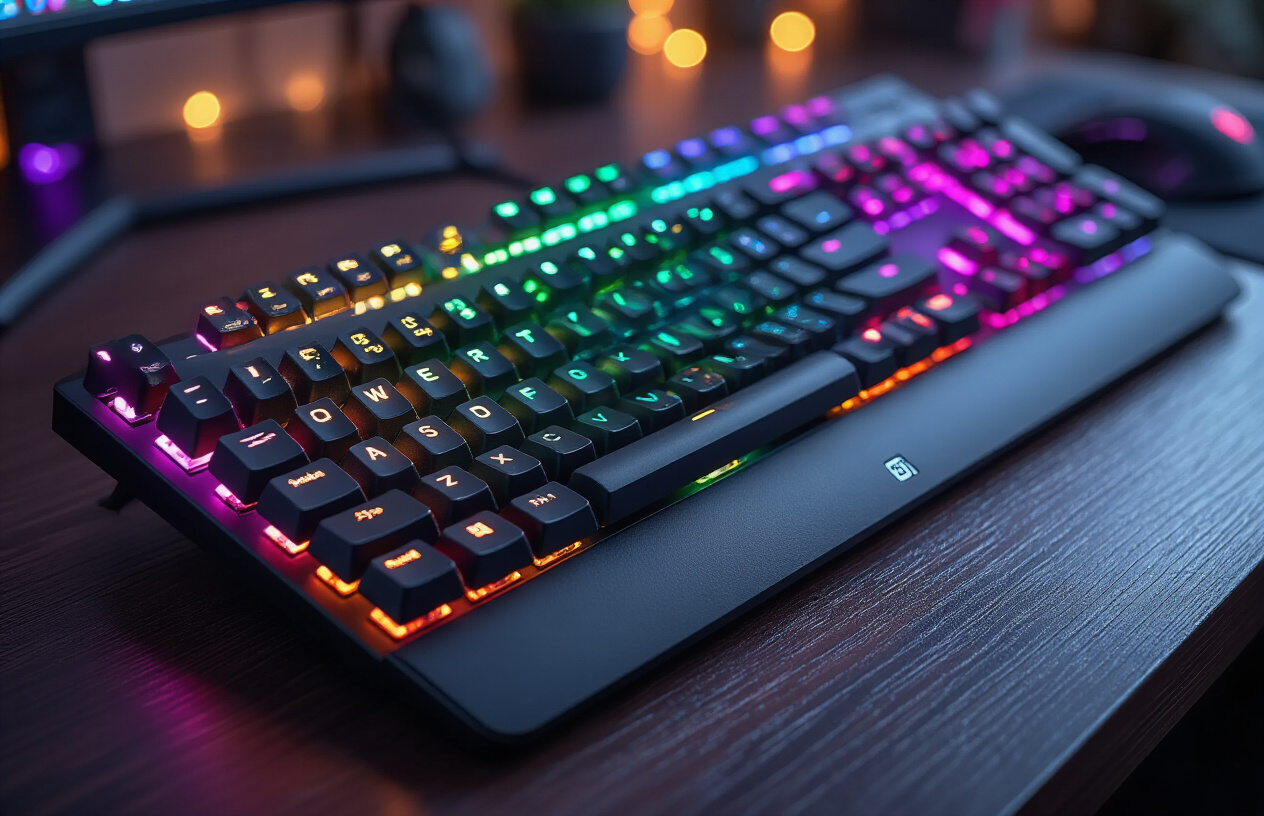
RGB lighting has evolved from a simple aesthetic feature to a functional gaming tool. Beyond creating an impressive visual setup, RGB can provide gameplay feedback through color coding. Many keyboards sync with games to display health status, cooldown timers, or zone-specific lighting effects.
Single-zone RGB offers basic color customization, while per-key RGB allows individual key programming. Per-key lighting enables advanced effects like ripple animations, reactive lighting, and game-specific color schemes. Consider your desk setup and whether you prefer subtle accent lighting or bold, dynamic effects.
RGB lighting considerations:
-
Single-zone vs per-key RGB
-
Software compatibility with your other RGB components
-
Brightness levels for different lighting conditions
-
Effect variety and customization depth
Consider wireless vs wired connectivity benefits
The wireless versus wired debate centers around performance, convenience, and reliability. Modern wireless gaming keyboards have largely eliminated the latency concerns of earlier models, with many offering 1ms response times that match wired performance.
Wired keyboards provide consistent power and eliminate battery concerns, making them ideal for tournament play or extended gaming sessions. They’re also typically more affordable and offer slightly lower input latency in budget models.
Wireless keyboards excel in clean desk setups and flexible positioning. Look for models with both 2.4GHz wireless and Bluetooth connectivity, plus USB-C charging for versatility.
| Feature | Wired | Wireless |
|---|---|---|
| Latency | Ultra-low | Very low (1-2ms) |
| Battery Life | N/A | 20-200 hours |
| Price | Lower | Higher |
| Portability | Limited | Excellent |
| Reliability | 100% | 99%+ |
Choose wired if you prioritize absolute performance and never move your setup. Go wireless if you value aesthetics, portability, and convenience without sacrificing gaming performance.
Build Quality and Durability Factors for Long-Term Value
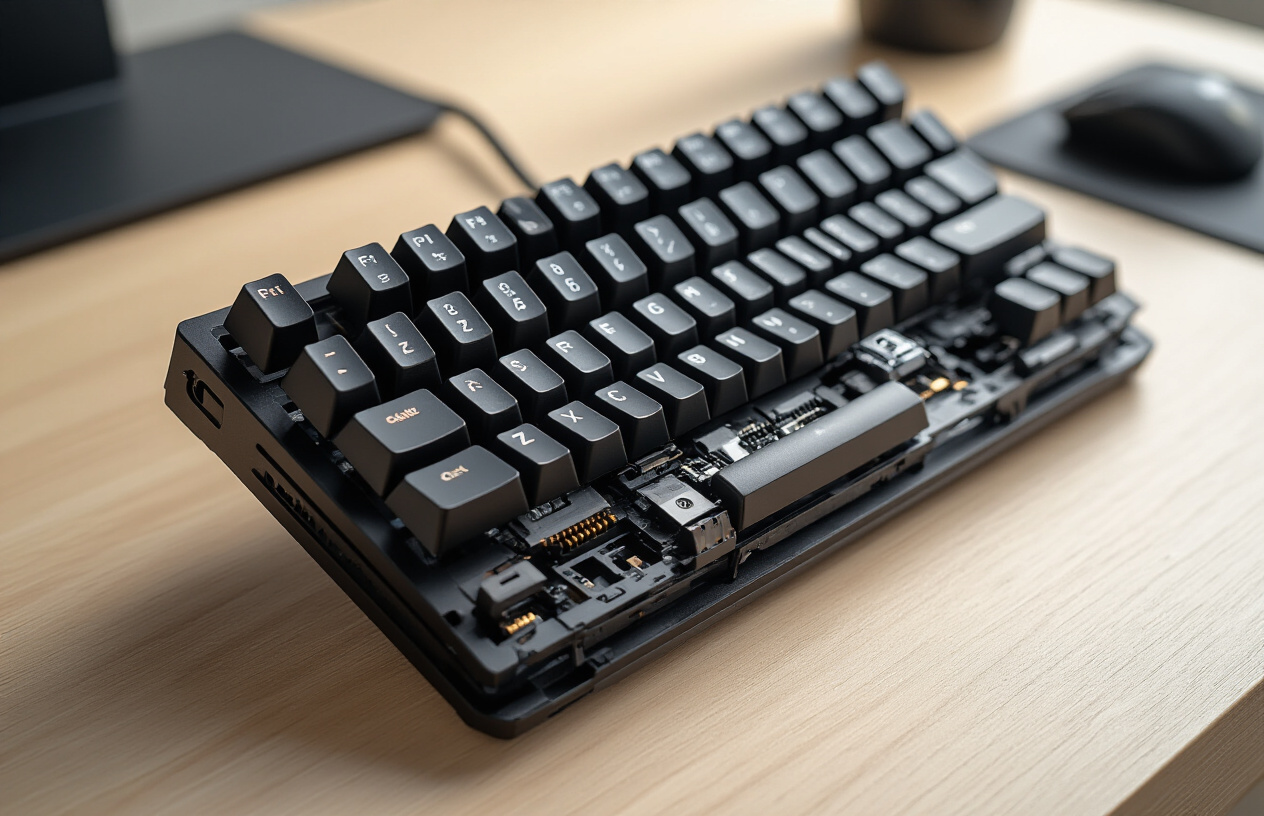
Assess keycap materials and printing methods
Quality keycaps make or break your typing experience over time. Look for double-shot PBT keycaps as your gold standard – they’re made by molding two different colored plastics together, creating legends that never fade. PBT plastic stays textured and doesn’t develop that annoying shine that ABS keycaps get after months of use.
Avoid laser-etched or pad-printed keycaps at all costs. These printing methods wear off quickly, leaving you with blank keys that look terrible and make it hard to find keys in dim lighting. Dye-sublimated PBT keycaps offer another excellent option, where the legends are actually embedded into the plastic using heat and pressure.
Check the keycap thickness too – thicker keycaps (1.5mm+) feel more solid and produce a deeper sound when typing. Cherry profile keycaps provide the most comfortable typing angle for extended gaming sessions.
Examine frame construction and stability features
A wobbly keyboard ruins your gaming precision. Premium keyboards feature aluminum or steel construction that eliminates flex during intense gaming moments. Plastic frames work fine for casual use, but serious gamers need that rock-solid foundation.
Test the keyboard’s weight distribution – heavier keyboards (2+ pounds) stay put during aggressive key presses. Rubber feet should be large and grippy, not those tiny dots that slip around your desk. Some keyboards include adjustable feet with multiple height settings for ergonomic customization.
Cable quality matters more than most people realize. Detachable USB-C cables with braided shielding last longer and allow easy replacement. Avoid keyboards with permanently attached thin cables that kink easily.
Check warranty coverage and brand reputation
Research the manufacturer’s track record before buying. Established brands like Corsair, Logitech, and SteelSeries typically offer 2-3 year warranties with responsive customer service. Newer brands might provide longer warranties to build trust, but verify they have actual customer service infrastructure.
Read user reviews focusing on long-term reliability rather than first impressions. Look for patterns in complaints – if multiple users report the same switch failures or LED issues after 6 months, consider that a red flag.
Warranty coverage varies significantly. Some brands cover everything including accidental damage, while others only replace manufacturing defects. International warranty service can be problematic with smaller brands if you move or travel frequently.
Verify water resistance and spill protection ratings
Gaming setups and drinks go together, making spill protection essential. Look for keyboards with IPX4 ratings or higher – this means they can handle splashes from any direction. Some gaming keyboards feature drainage holes in the bottom case that channel liquid away from sensitive components.
Membrane barriers under the keycaps provide another layer of protection. These thin plastic sheets prevent liquids from reaching the switches and PCB. Hot-swappable keyboards often lack this protection since the switches need to be easily removable.
Test the manufacturer’s spill protection claims by checking user experiences online. Marketing materials sometimes overstate actual protection levels. True spill-resistant keyboards should handle a full soda can dump without permanent damage, though you’ll still need to clean them properly afterward.
Make the Final Decision with Confidence

Research user reviews and professional recommendations
Start by diving into gaming communities and forums where real users share their experiences. Reddit’s mechanical keyboard communities, gaming subreddits, and dedicated keyboard enthusiast forums offer unfiltered opinions about long-term durability and actual gaming performance. Look for reviews from users who play the same games you do – their insights about responsiveness and comfort during marathon sessions prove invaluable.
Professional reviewers at tech sites like Tom’s Hardware, PC Gamer, and YouTube channels dedicated to peripherals provide detailed testing methodology and comparisons. They often test keyboards under controlled conditions, measuring response times and analyzing build quality that regular users might miss. Pay attention to reviews that specifically address gaming performance rather than just typing experience.
Check multiple sources before forming an opinion. A keyboard might receive praise from one reviewer but criticism from another based on different priorities. Gaming-focused reviews typically emphasize different aspects than productivity-focused ones.
Compare top models within your budget range
Create a shortlist of 3-5 keyboards that fit your budget and requirements. Build a comparison chart including switch type, key features, warranty period, and user ratings. This visual comparison makes differences between models immediately apparent.
Price ranges vary significantly in the gaming keyboard market:
| Budget Range | Typical Features | Best For |
|---|---|---|
| $50-$80 | Membrane or basic mechanical switches | Casual gamers, first mechanical keyboard |
| $80-$150 | Quality mechanical switches, RGB, macro keys | Serious gamers, enthusiasts |
| $150-$250 | Premium switches, advanced software, premium materials | Competitive gamers, professionals |
| $250+ | Custom switches, premium build quality, advanced features | Enthusiasts, content creators |
Don’t automatically assume expensive means better for your needs. A $100 keyboard might serve you better than a $200 model if it has the specific features you prioritize. Consider the total cost of ownership, including potential keycap replacements and software compatibility with future systems.
Test keyboards in-store or leverage return policies
Physical testing beats online research every time. Visit electronics stores, gaming cafes, or computer shops where you can actually type on different keyboards. Spend at least 5-10 minutes with each model, testing various key combinations and paying attention to the sound level, tactile feedback, and overall comfort.
Many online retailers offer generous return policies specifically because keyboards are highly personal choices. Amazon, Best Buy, and specialized retailers often provide 30-day return windows. Order your top choice and test it thoroughly in your actual gaming setup. Pay attention to factors you can’t evaluate in a store: how it sounds in your room, whether the lighting fits your setup, and how it performs during actual gaming sessions.
Document your experience during the trial period. Note any hand fatigue, missed keystrokes, or comfort issues that develop over longer gaming sessions. These real-world insights matter more than any specification sheet when learning how to choose gaming keyboard that works for your specific needs.
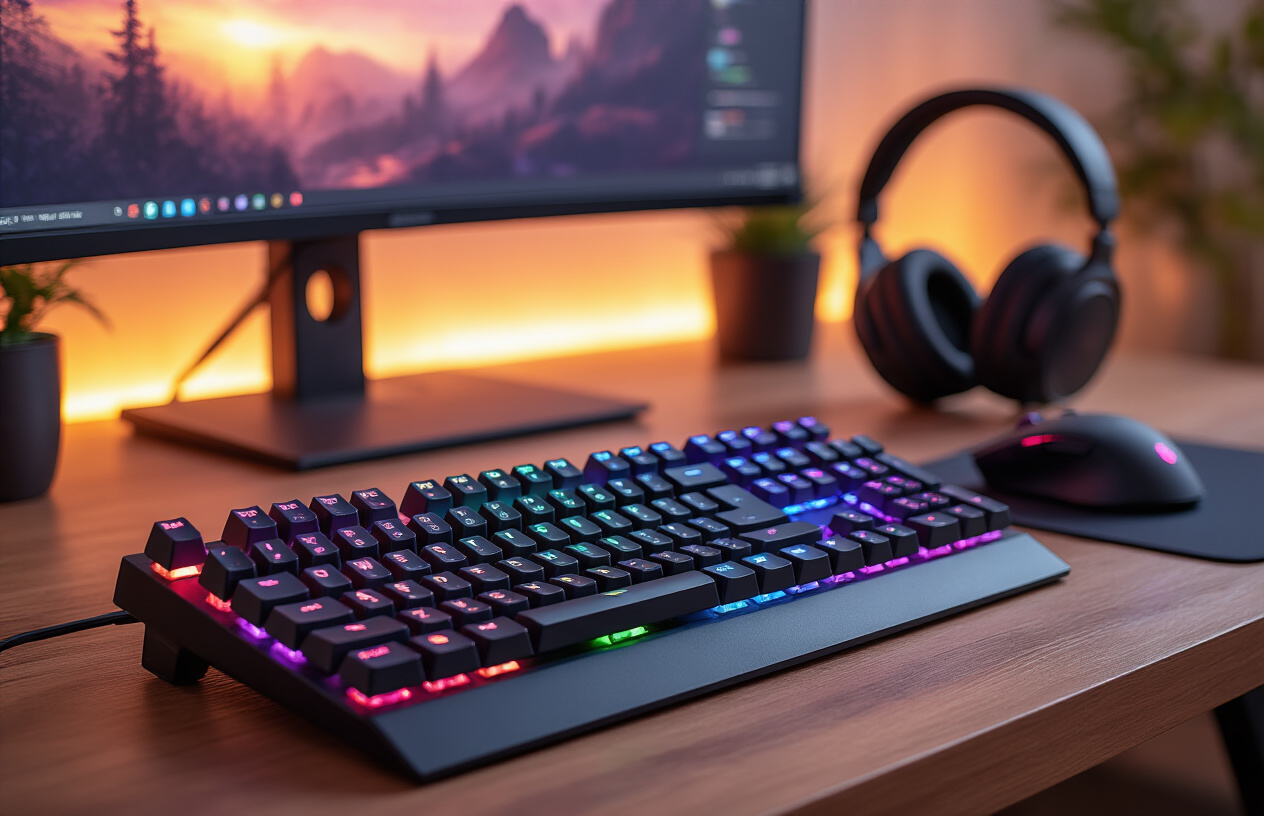
Finding the perfect gaming keyboard really comes down to knowing yourself as a gamer and what you need from your setup. Your gaming style should drive every decision, from whether you need lightning-fast mechanical switches for competitive play or quieter membrane keys for late-night sessions. Don’t forget about the features that can make or break your experience – things like customizable RGB lighting, programmable macros, and anti-ghosting technology can give you that extra edge when it matters most.
Quality construction isn’t something you want to skimp on either. A well-built keyboard with durable switches and solid materials will serve you for years, making it worth the investment upfront. Take your time to test different options if possible, read reviews from other gamers, and consider your budget alongside your must-have features. The right gaming keyboard is out there waiting for you – it’s just a matter of matching your specific needs with the right combination of performance, features, and build quality.